Weather Camera Sticker-Photo & picture watermark1.0.0
Publisher Description
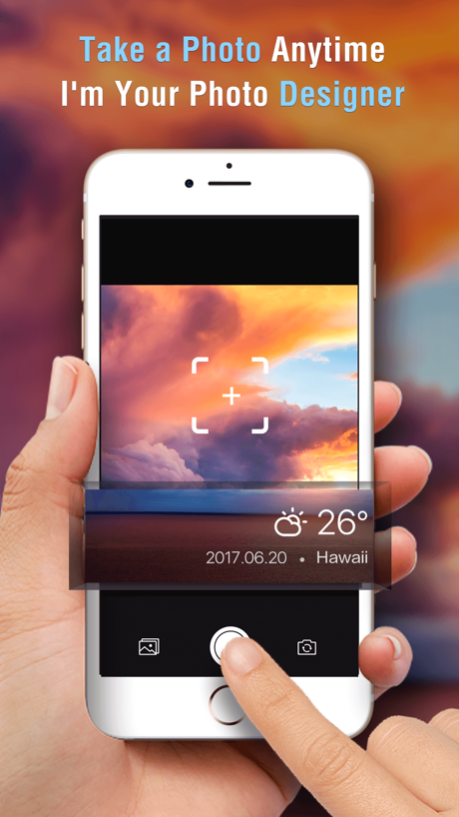
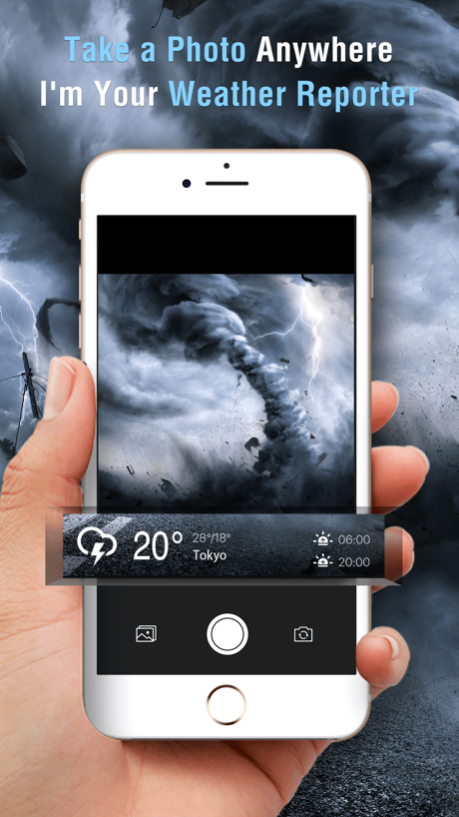
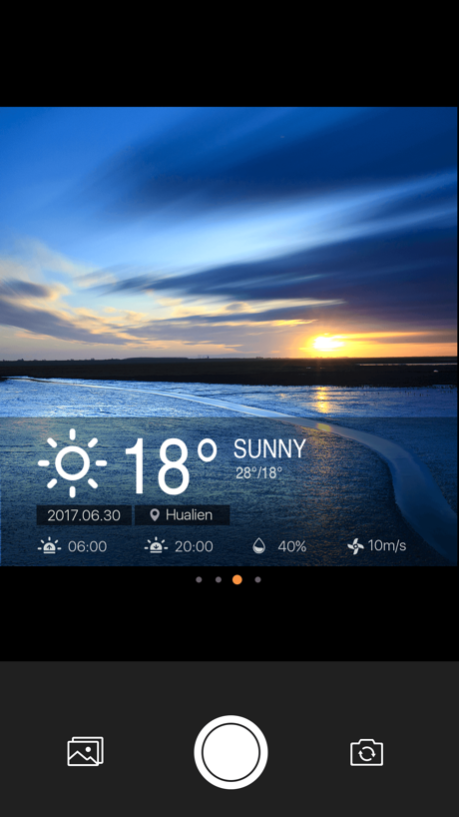
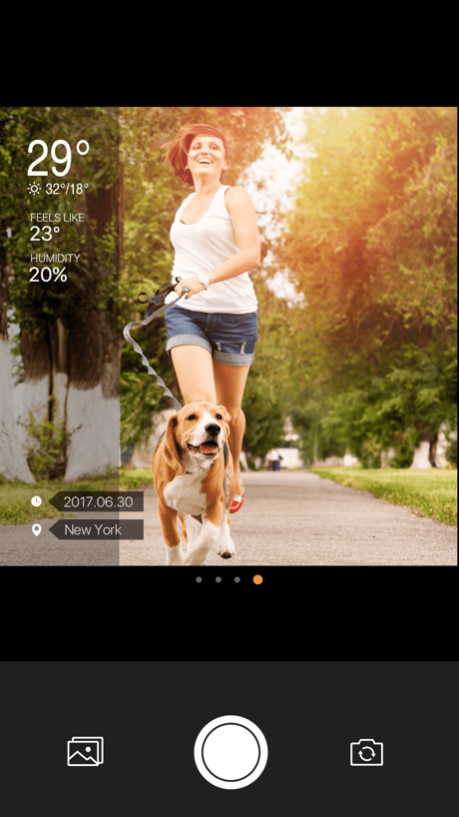
Weather Camera Sticker- The necessary tool for outdoor travel, to become stylish and quickly share information between friends.
This camera that can decorate your photo with the current weather condition, sunrise and sunset time, wind speed, humidity, air quality, location, current time and other weather information.
~~~~~~~~~~~~
Main features:
~~~~~~~~~~~~
-【Real-time display】accurately show the real-time weather condition, current location and time.
-【one click optimazition】 don't need to edit your photo step by step, it will automatically become beautiful when taking pictures.
-【Interesting sharing】say goodbye to the boring sharing of weather data, and enjoy a real, interesting, and beautiful share process.
-【Advanced quality】professional design templates, make your photos more fashionable.
-【Multiple templates】keep to update the templates, give you more choices.
Jul 15, 2017
Version 1.0.0
This app has been updated by Apple to display the Apple Watch app icon.
About Weather Camera Sticker-Photo & picture watermark
The company that develops Weather Camera Sticker-Photo & picture watermark is Amber Mobile Limited. The latest version released by its developer is 1.0.0.
To install Weather Camera Sticker-Photo & picture watermark on your iOS device, just click the green Continue To App button above to start the installation process. The app is listed on our website since 2017-07-15 and was downloaded 0 times. We have already checked if the download link is safe, however for your own protection we recommend that you scan the downloaded app with your antivirus. Your antivirus may detect the Weather Camera Sticker-Photo & picture watermark as malware if the download link is broken.
How to install Weather Camera Sticker-Photo & picture watermark on your iOS device:
- Click on the Continue To App button on our website. This will redirect you to the App Store.
- Once the Weather Camera Sticker-Photo & picture watermark is shown in the iTunes listing of your iOS device, you can start its download and installation. Tap on the GET button to the right of the app to start downloading it.
- If you are not logged-in the iOS appstore app, you'll be prompted for your your Apple ID and/or password.
- After Weather Camera Sticker-Photo & picture watermark is downloaded, you'll see an INSTALL button to the right. Tap on it to start the actual installation of the iOS app.
- Once installation is finished you can tap on the OPEN button to start it. Its icon will also be added to your device home screen.
Program Details
System requirements
Download information
Pricing
Version History
version 1.0.0
posted on 2017-07-15
Jul 15, 2017
Version 1.0.0
This app has been updated by Apple to display the Apple Watch app icon.
